WordPress and Webflow are two of the most popular ways to build a business website, and choosing between them is one of the first decisions in a B2B website project. Both can produce fast, professional, search-friendly websites. The right choice depends less on the platforms themselves and more on your team, your content and your plans for the next few years.
Here is a practical comparison, with no favourite to sell you.
The short answer
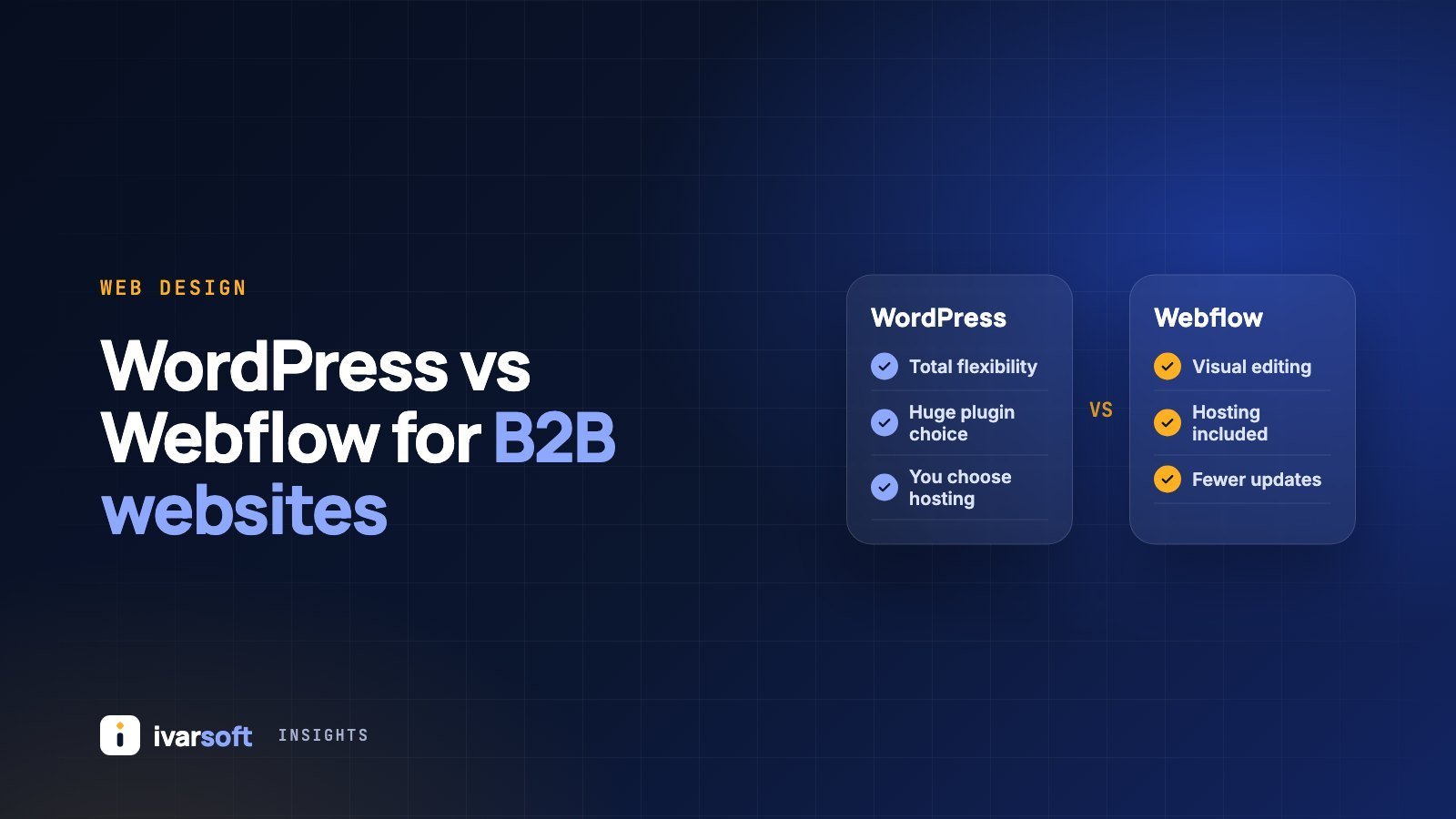
- Choose WordPress if you need maximum flexibility, many integrations, a large catalogue, complex multilingual content, or full control over hosting and code.
- Choose Webflow if you want a polished marketing website that your team can edit visually, with hosting and security handled for you and fewer technical updates to manage.
Most B2B marketing websites could be built well on either. The details below will help you decide which fits your situation.
What each platform is
WordPress is open-source software that powers a large share of the web. You install it on hosting of your choice, pick or build a theme, and extend it with plugins for almost anything: forms, SEO, multilingual content, e-commerce with WooCommerce, memberships and integrations.
Webflow is a hosted website platform with a visual designer. Designers build pages visually while Webflow generates clean code, and hosting, security and performance infrastructure are included in a subscription. It has a built-in CMS for content such as blog posts, case studies and team members.
Comparison: the factors that matter for B2B websites
1. Editing by your team
Both platforms let non-technical teams update text, images and blog posts. Webflow’s editor is very visual and keeps layouts tidy. WordPress’s block editor is also approachable, and the experience depends heavily on how the site was built: a well-structured WordPress site is easy to edit; an over-complicated one is not.
2. Design freedom
Webflow gives designers precise control and makes it easy to build distinctive, animated layouts. WordPress can achieve any design too, but how easily depends on the theme or page builder used.
3. Functionality and integrations
This is where WordPress usually leads. Its plugin ecosystem covers almost any requirement, from advanced forms and CRM connectors to complex catalogues, multilingual workflows and member areas. Webflow integrates well with common tools and supports custom code, but complex functionality often needs third-party services.
4. Content volume and structure
For large catalogues, technical documentation libraries or very large blogs, WordPress offers more flexibility in how content is structured and stored. Webflow’s CMS works well for typical marketing content; check its current plan limits if you expect a very large amount of content.
5. Multilingual websites
Both can handle multiple languages. WordPress typically uses a plugin such as WPML or Polylang, which is mature and flexible. Webflow offers built-in localisation as an add-on. If you sell into several export markets, plan the language structure before choosing.
6. Maintenance and security
Webflow handles hosting, updates and much of the security for you. WordPress needs regular updates to the core software, theme and plugins, plus backups and security monitoring. That is straightforward with a good care plan, but it shouldn’t be ignored.
7. Hosting and ownership
With WordPress, you own the full website and can move it to any host. With Webflow, the site is hosted on Webflow; you own your content and design, but moving to another platform later means rebuilding. Both are valid. Just make the choice consciously.
8. SEO
Both can rank well. What matters far more is the quality of your content, the site structure, page speed and technical setup. WordPress relies on a plugin such as Rank Math or Yoast for SEO controls; Webflow has SEO settings built in.
9. Ongoing costs
Webflow has predictable subscription costs that include hosting. WordPress software is free, but you pay for hosting, any premium plugins and maintenance. Compare the total cost over three years, not just the build.
Which is better for your situation?
WordPress is usually the better fit if:
- You need complex functionality, many integrations or e-commerce.
- You have a large product or capability catalogue, or lots of technical documents.
- You need a mature multilingual setup across several languages.
- You want full control over hosting and the ability to move the site freely.
Webflow is usually the better fit if:
- Your website is mainly a marketing and lead-generation tool.
- Design quality and a distinctive brand presence are top priorities.
- Your marketing team wants to edit pages visually without developer help.
- You’d rather not manage updates, plugins and security yourself.
Questions to answer before you decide
- Who will update the website day to day, and how technical are they?
- Which tools must the website connect to, such as CRM, ERP, email marketing or booking?
- How much content will you have in two to three years, and in how many languages?
- Who will handle updates, backups and security?
- Do you need features beyond a marketing site, such as customer logins or online ordering?
Your answers usually make the choice clear. If they don’t, either platform will serve you well, and the quality of the strategy, content and build will matter far more than the platform.
How we help
We build on WordPress, Webflow, Shopify and custom frameworks, so we can recommend what fits rather than what we happen to use. See how we design and build B2B websites, read what drives the cost of a B2B website, or book a free 30-minute call to talk through your options.
Frequently asked questions
Can I move my website from WordPress to Webflow, or the other way?
Yes, but it is a rebuild rather than a simple export. Content can usually be migrated, and with careful redirects you can keep your search rankings.
Is WordPress less secure than Webflow?
WordPress itself is well maintained. Most security problems come from outdated plugins, weak passwords or poor hosting. With regular updates, good hosting and sensible plugins, a WordPress site can be very secure.
Which is faster?
Both can be very fast. Performance depends mainly on how the site is built (image optimisation, code quality and hosting) rather than the platform itself.